At Edge Training, we believe that education and skills development play a vital role in creating opportunities for individuals to build successful careers. Through our accredited learnerships and training programmes, we aim to equip learners with practical workplace experience, industry-relevant knowledge, and nationally recognised qualifications.
This Student Application Guide has been developed to help you understand the complete application process. It explains how to apply, the information and documents you need to prepare, what happens after you submit your application, and important rules every applicant should know before applying.
We encourage you to read this guide carefully before submitting your application.
Important Information Before Applying
Applications Are Free of Charge
Before you begin your application, take a few minutes to prepare. Having all the required information and supporting documents ready will make the application process quicker and help avoid delays.
Before applying, ensure that you have:
A valid email address that you regularly access.
A working cellphone number.
A stable internet connection.
All supporting documents saved in PDF format.
Enough time to complete the application in one sitting.
Providing complete and accurate information improves the chances of your application being processed successfully.
There Is Only One Official Way to Apply
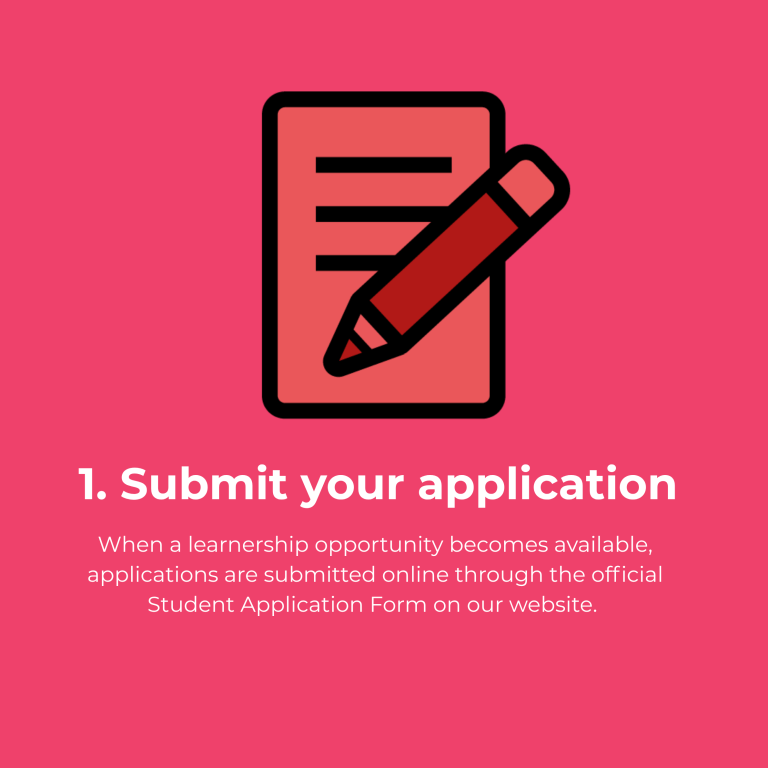
To ensure fairness and consistency, Edge Training accepts applications only through the official online Student Application Form.
Applicants must visit the Edge Training website and complete the online application form.
Walk-in applications are not accepted.
Applications sent by email are not accepted.
Applications submitted via WhatsApp or social media platforms are not accepted.
Applications submitted through any other website or platform are not valid.
Using the official online application form ensures that every application is captured securely and reviewed fairly.
Step-by-Step Student Application Guide
Step 1: Visit the Edge Training Website
Visit the official Edge Training website and navigate to the Student Applications page.
Take time to read the information provided on the page before proceeding.
Once you are ready, click the Apply Now button.
The button will redirect you to the official online Student Application Form.
Important Notes:
Step 2: Complete Your Personal Information
The application form requires you to provide personal information.
This includes:
Title
First Name
Surname
Email Address
Contact Number
South African Citizenship
Date of Birth
Gender
Race (for B-BBEE reporting purposes)
Province
Highest Qualification
Please ensure that every detail is accurate.
Incorrect contact information may prevent Edge Training from contacting you if you are shortlisted.
Step 3: Complete the Application Information
The next section asks additional questions about your application.
These may include:
How you heard about Edge Training.
Whether you have a disability.
Applicants who indicate they have a disability may be required to upload supporting documentation.
Providing truthful information helps Edge Training identify suitable opportunities and provide the necessary support where applicable.
Step 4: Upload Your Supporting Documents
To complete your application, you will need to upload supporting documents.
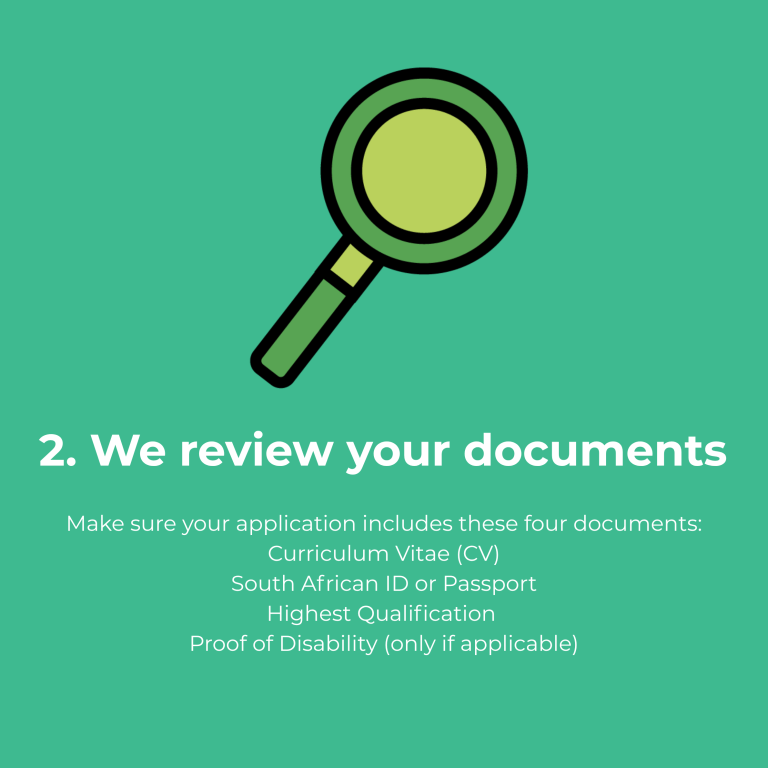
Required documents include:
Updated Curriculum Vitae (CV)
Certified copy of your highest qualification
South African ID or Passport
Proof of disability (if applicable)
File Requirements
Please ensure that:
Documents are uploaded in PDF format.
Each file is no larger than 3 MB.
The total upload size does not exceed 10 MB.
All documents are clear and readable.
Applications with missing or unreadable documents may not be considered.
Step 5: Review Your Application
Before submitting your application, review all the information carefully.
Confirm that:
Every required field has been completed.
Your contact details are correct.
Your uploaded documents are correct.
There are no typing errors.
Taking a few extra minutes to review your application can prevent unnecessary delays.
Step 6: Submit Your Application
Once you are satisfied that all information is correct, click Submit Application.
Your application will then be received by the Edge Training recruitment system for review.
Please note that applying does not guarantee acceptance into a learnership programme.
What Happens After You Submit?
After receiving your application, Edge Training follows a structured review process.
Application Review
Our team checks that:
All required information has been completed.
Supporting documents have been uploaded.
Documents are clear and readable.
The application meets the minimum requirements.
Incomplete applications may not proceed further.
Shortlisting
Applications are reviewed against the requirements of available learnership opportunities.
Because learnership opportunities vary throughout the year, applicants are considered according to:
Qualification requirements
Programme requirements
Employer requirements
Learnership availability
Meeting the minimum requirements does not guarantee selection.
Interview and Assessments
Where required, shortlisted applicants may be invited to:
Attend an interview.
Complete assessments.
Submit additional documentation.
Applicants should regularly monitor their email inbox and cellphone for updates.
Final Selection
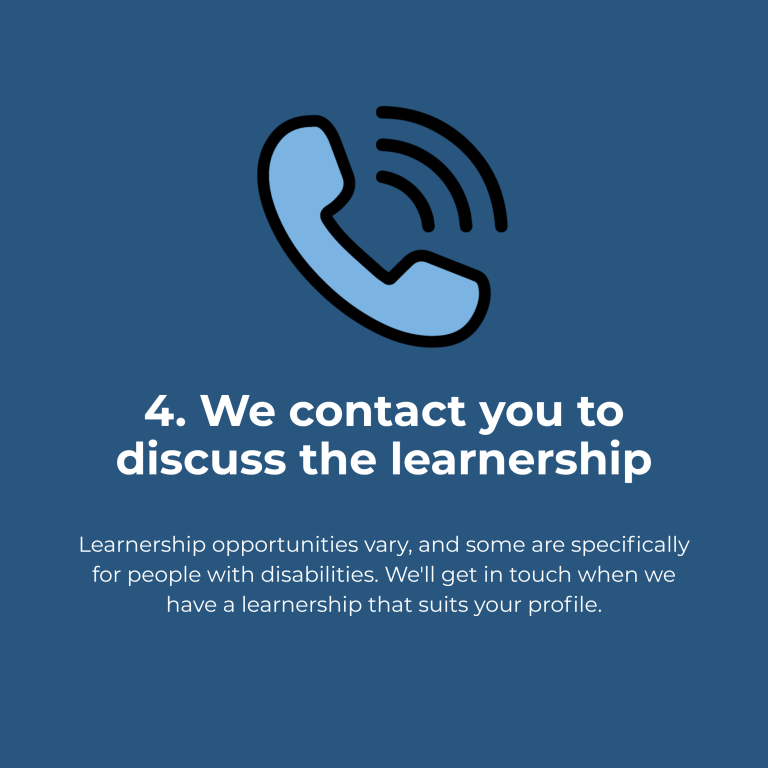
Applicants who are successful will receive official communication from Edge Training regarding the next steps.
Get access to your free "STUDENT APPLICATIONS GUIDE" for LEARNERS now
If your application is shortlisted or successful, Edge Training will contact you using the email address or cellphone number you provided during your application.
All personal information collected during the application process is handled securely and confidentially.
Your information will only be used for purposes related to your application, learner selection, communication, and training opportunities.
Final Message
Thank you for considering Edge Training as part of your learning and career journey.
We are committed to providing every applicant with a fair, transparent, and professional application process. By following the steps outlined in this guide and applying through the official online Student Application Form, you ensure that your application is received and considered correctly.
We wish you every success with your application and look forward to helping you build a brighter future through education, skills development, and meaningful learning opportunities.
Conclusion
The Edge Training student application process is designed to ensure every applicant has a fair and transparent pathway to success. If you’re interested in learnerships, soft skills training, or QCTO qualifications, we provide a range of opportunities to support your professional development. Remember to follow the correct student application process to avoid disqualification.
Get access to your free "Tax Allowance and Your Income Statement" guide today
Please Note: Any student related applications submitted through this form will be considered “UNSUCCESSFUL”. To apply for a training opportunity, click this link: Student Applications.
Download Free Student Applications Guide
Please Note: This guide and the related form apply to students “only”.
Download Free Tax Allowance Guide
Please Note: Any student related applications submitted through this form will be considered “UNSUCCESSFUL”. To apply for a training opportunity, click this link: Student Applications.
Download Free B-BBEE Guide
Please Note: Any student related applications submitted through this form will be considered “UNSUCCESSFUL”. To apply for a training opportunity, click this link: Student Applications.